Rosters and attendance
Build the guard roster on screen
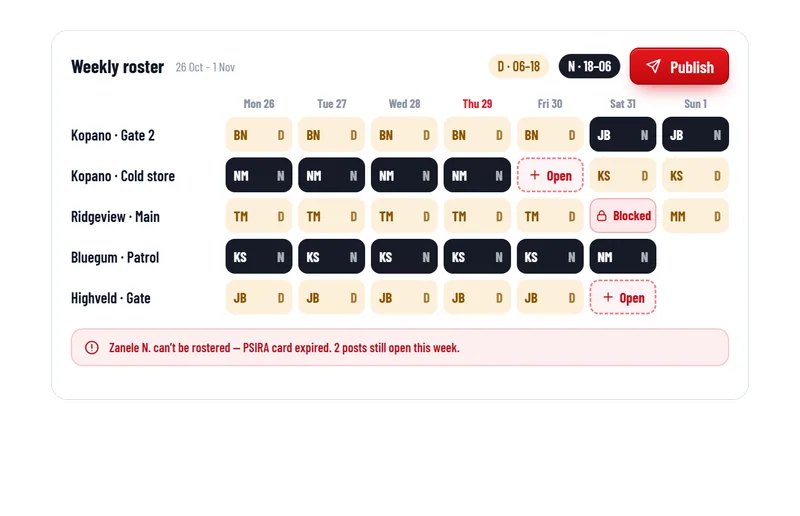
Day and night shifts for every post in one week view. Open posts show in red. When you publish, guards see their shifts on their phones.
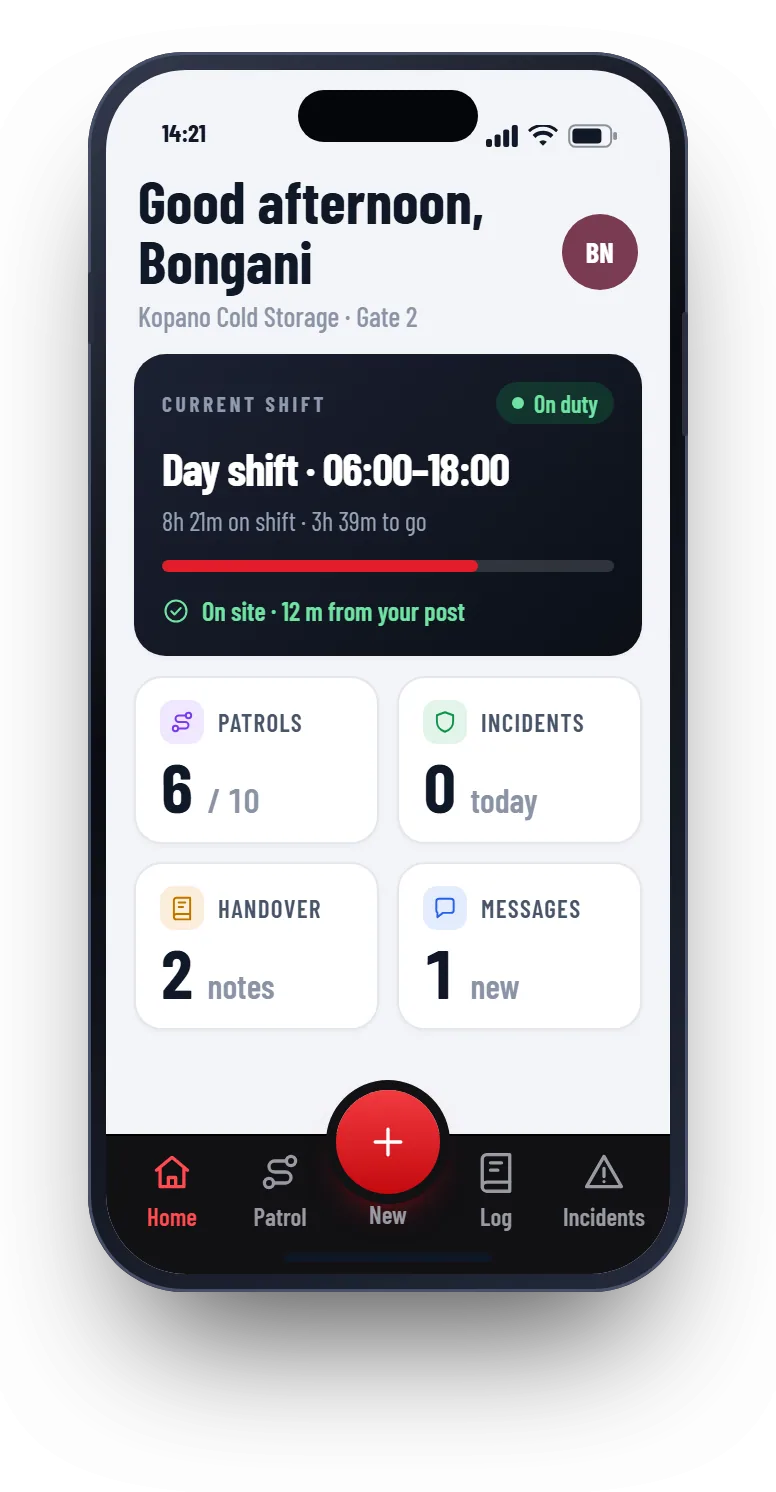
Guards see their shifts on their phones
No more phone calls to tell a guard where to be. When you publish the roster, every guard sees their own shifts in the app.
- Each guard sees their own shifts
- Day and night shifts are marked clearly
- Changes show up straight away
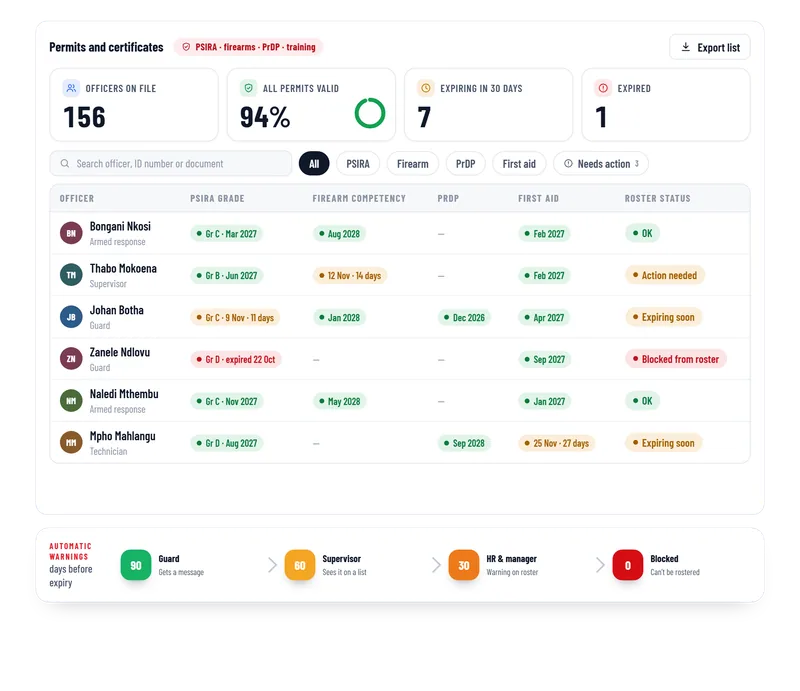
Expired permits cannot be rostered
If a guard’s PSIRA card or firearm competency has expired, Patrolly flags them and will not let you put them on a post. You find out before the shift, not after an incident.
- Blocked guards show clearly on the roster
- Warnings come 90, 60 and 30 days before expiry
- Open posts are flagged so nothing is missed
Attendance and hours
Check in at the site
Guards start and end their shift on the phone. The time and location are saved.
Hours per guard
See the hours worked for each guard and each site, for any month.
Export for payroll
Download the hours as a spreadsheet for your payroll system.
Questions
Common questions
Not here? Message us on WhatsApp and we will answer.
Does Patrolly do payroll?
Can supervisors only see their own sites?
Can I see who is on duty right now?
Do guards need to download an app?
Want to see Patrolly with your own sites?
Message us on WhatsApp. We set up a free live demo with your sites, your logo and your guards.