Guard patrol app
See every patrol, checkpoint by checkpoint
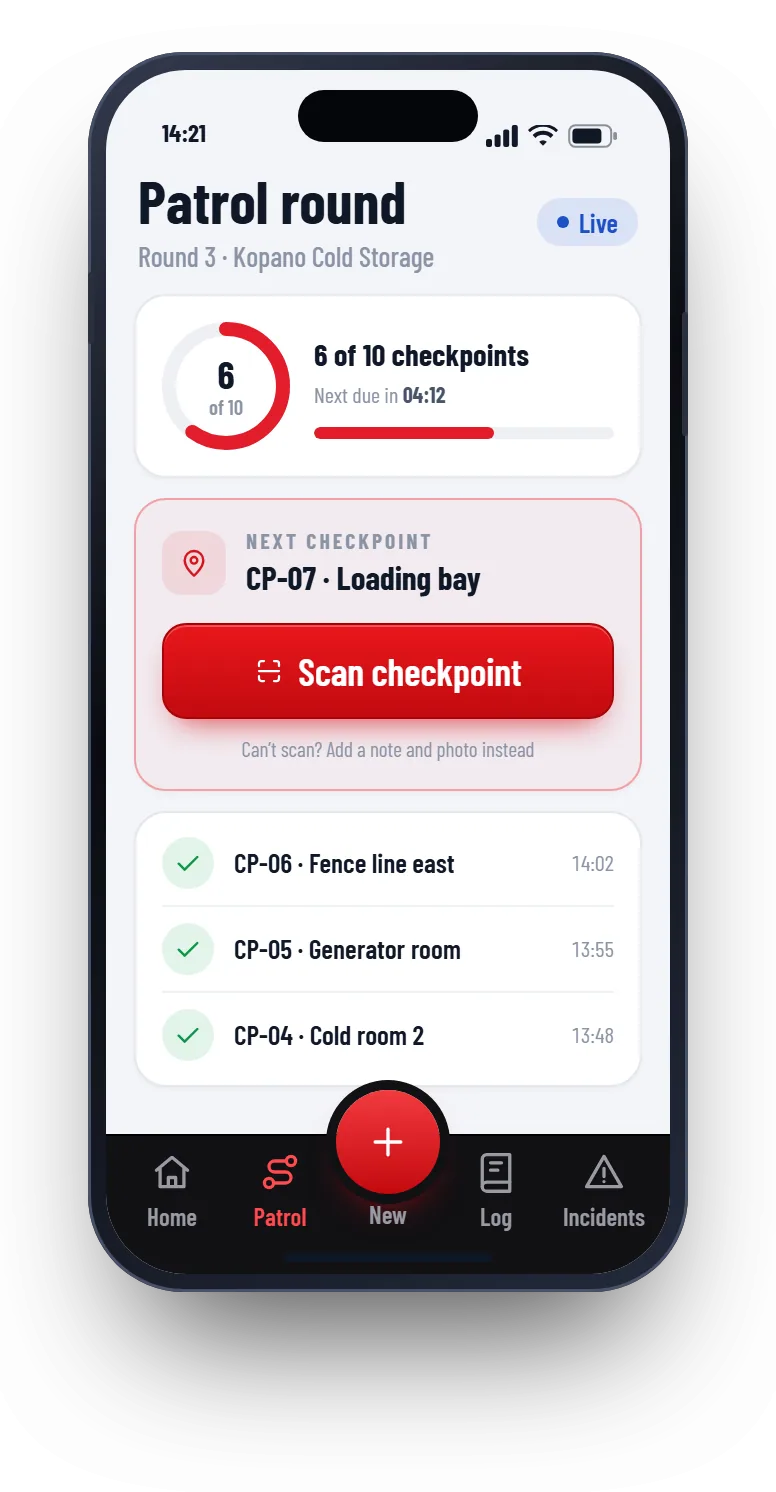
Guards scan a QR code at each checkpoint on their phone. You see the patrol as it happens, and you get a warning when one is late or missed.
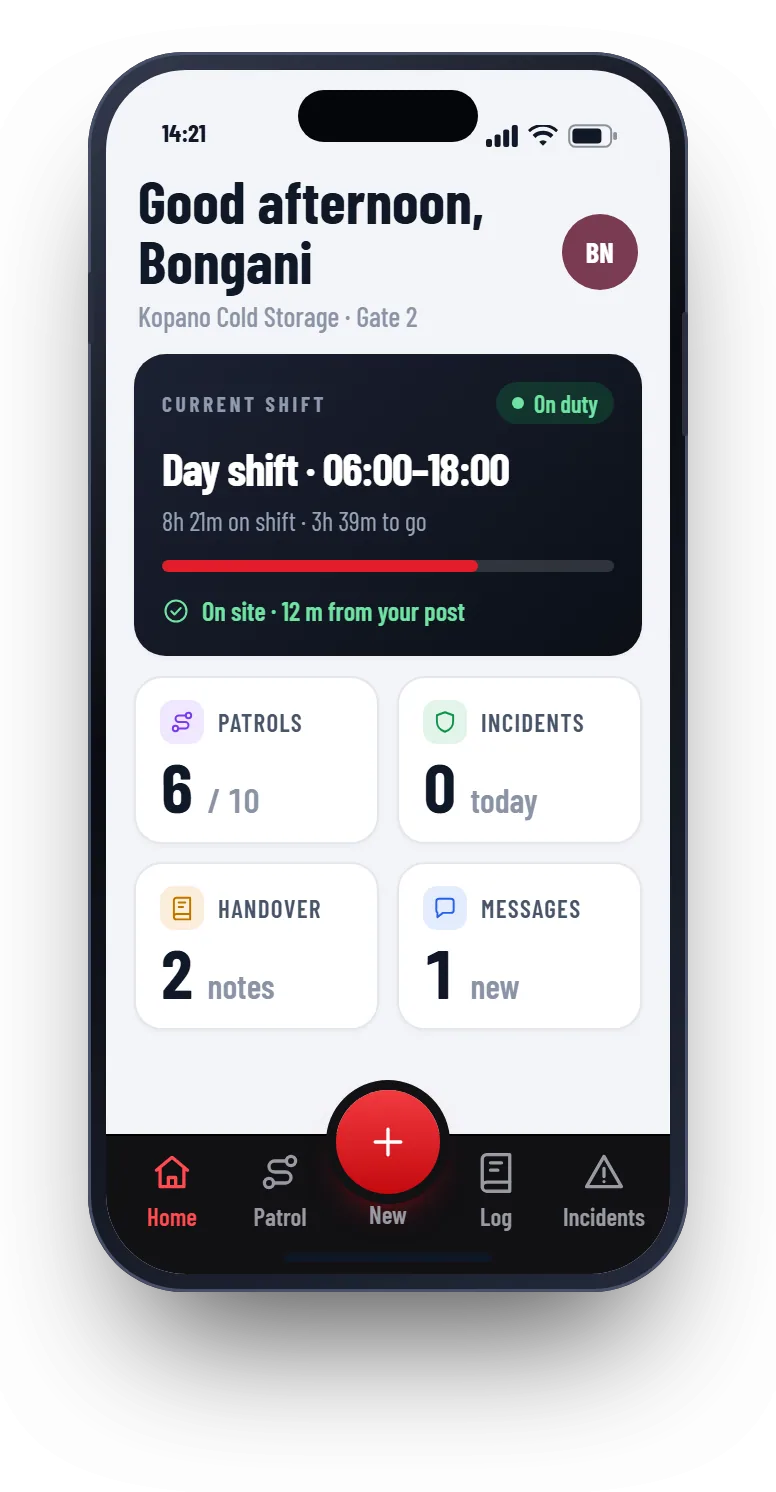
How a patrol works
- 1
Set the route
Add the checkpoints for each site, in the order you want them walked.
- 2
Print the QR codes
Patrolly makes a printable sheet. Stick one at every checkpoint.
- 3
Guards scan as they walk
The guard taps Patrol and scans each code. The time and the phone’s location are saved with every scan.
- 4
You see it live
Progress shows while the patrol happens. Late and missed checkpoints are flagged straight away.
What the supervisor sees
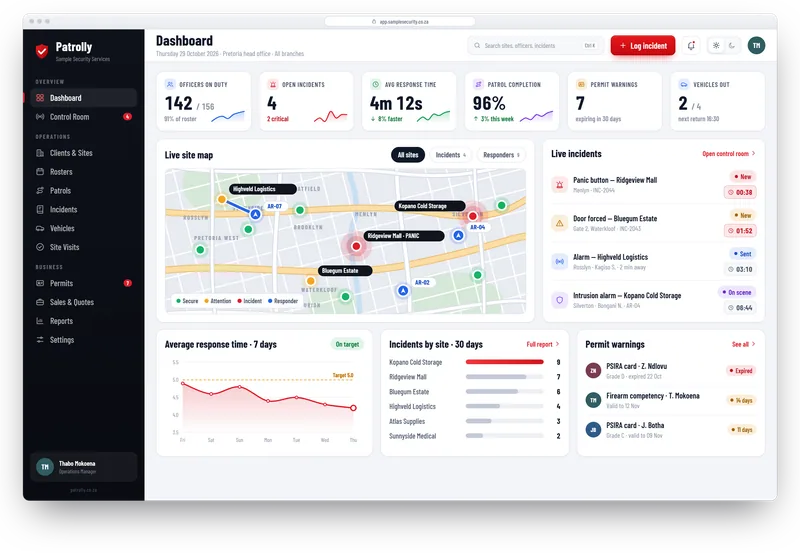
Open the dashboard and see which sites have a patrol running, which are on time and which have missed a checkpoint.
- Patrol progress for every site, live
- Missed and late checkpoints flagged
- Patrol history by guard, site and night
- Notes and photos added at a checkpoint
Patrol reports your clients can read
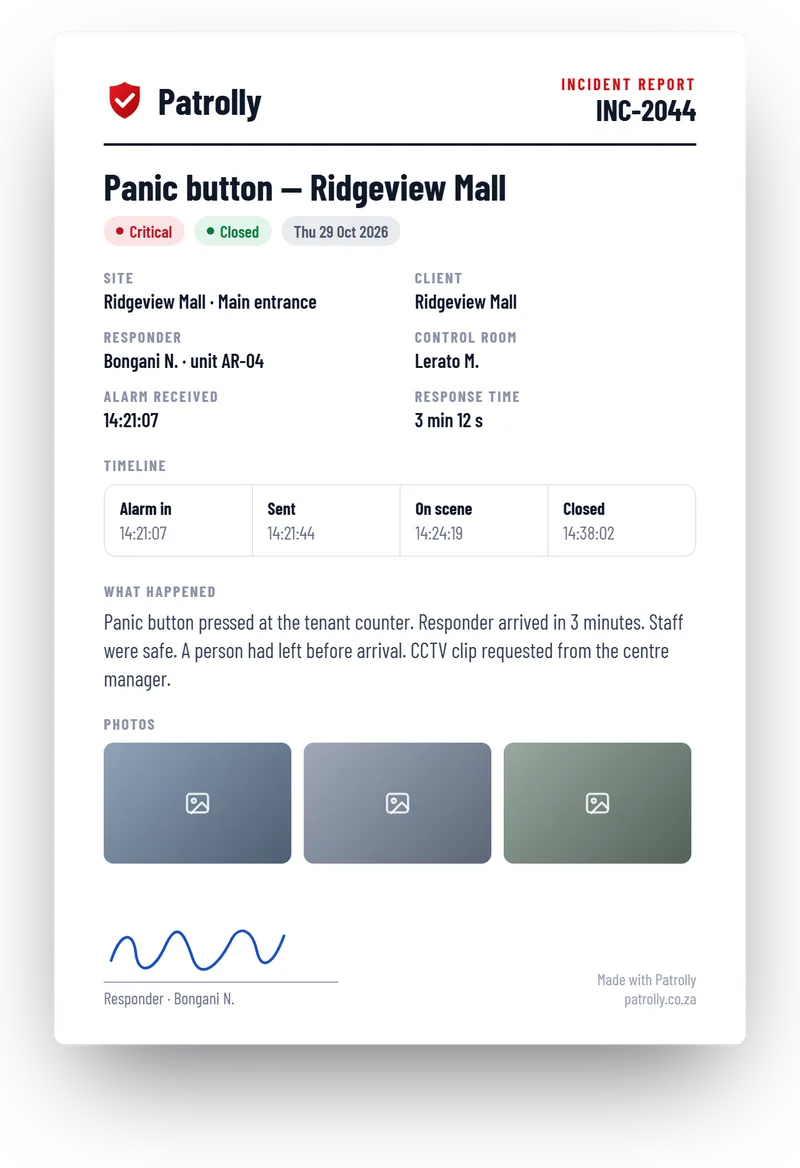
One click makes a PDF with the checkpoints, the times, the guard’s notes and the photos. Send it to the client by email.
- Every checkpoint with its time
- The guard’s notes and photos
- Sent to the client by email
Questions
Common questions
Not here? Message us on WhatsApp and we will answer.
Do guards need to download an app?
Do we need special tags or devices?
What if a guard has no signal at a checkpoint?
Can a guard scan from the wrong place?
Want to see Patrolly with your own sites?
Message us on WhatsApp. We set up a free live demo with your sites, your logo and your guards.